Process
Generate Your Passport
Upload your deck or enter the URL of your website. In seconds, Caplia turns your materials into a structured company profile that investors can review faster.
Create your Caplia Passport
Pull key information from your deck and refine using Iris
Build one clear profile ready to share
Upload your Materials
Bring your fundraising materials into one secure workspace. Upload your deck, data room documents and cap table so Caplia can organise the information investors need before first review.
Upload deck, documents and company files
Keep key materials in one structured place
Use our CRI to spot missing information before investors do
Share and Track
Share one live Caplia Passport with investors and track how they engage. Control what investors see, keep information up to date and understand who is reviewing your company.
Share one live investor profile
Full access controls at your fingertips
Get access to the most powerful analytics suite powered by AI
Update materials without sending new files
Process
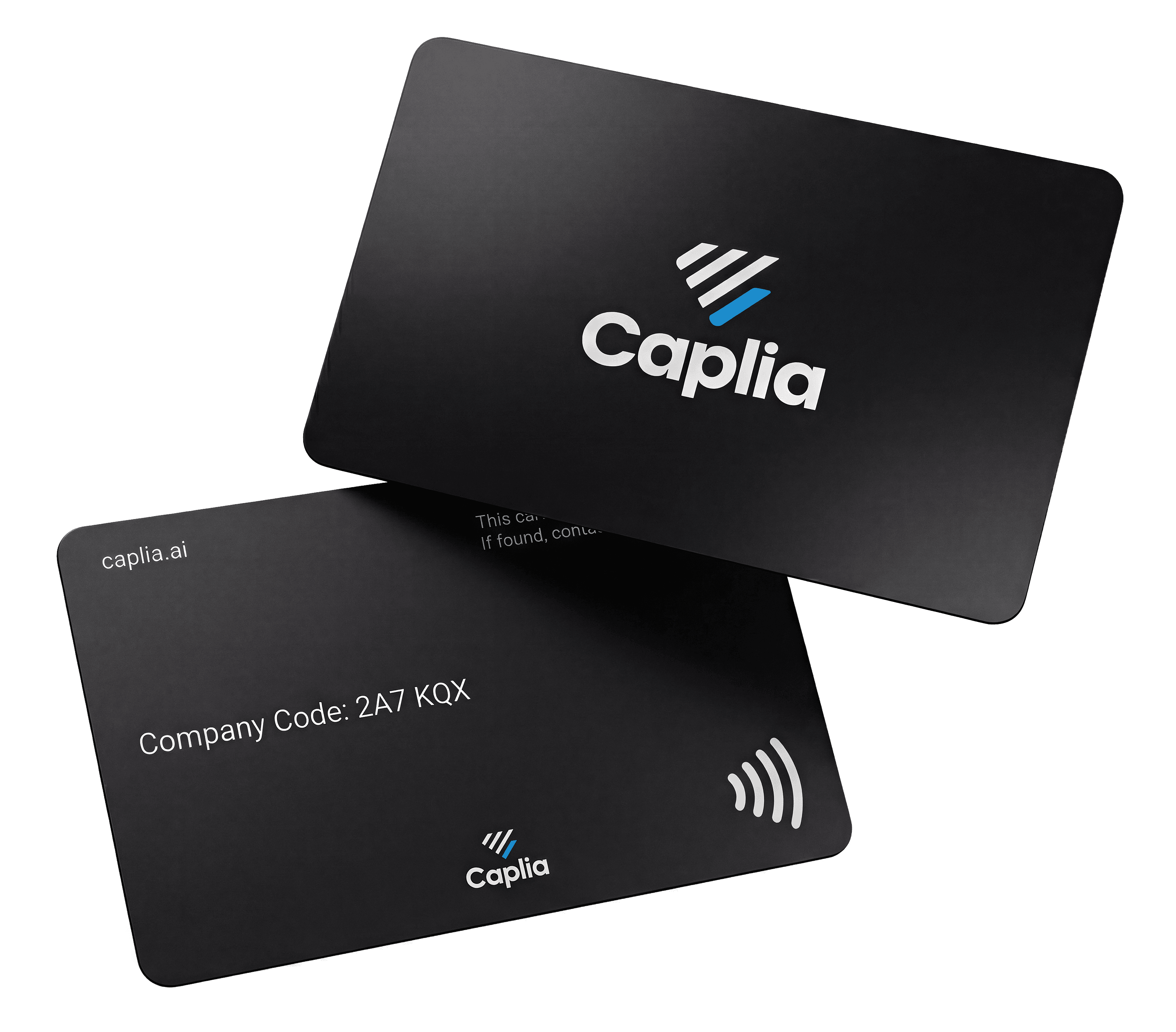
Share with Caplia Tap
Instant sharing on the go. Load your passport, and share your decision-ready passport on the go.
FAQ
Answers to common questions
Everything you need to know about the Caplia Passport. What it is, what it replaces and how it stays with you.
What is the Caplia Passport?
The Caplia Passport is one structured, decision-ready profile of your business. It replaces fragmented decks, data rooms and follow-up links with a single source of truth investors can review in seconds, on consistent fields, signals and evidence.
How is the Passport different from a pitch deck?
What goes inside a Passport?
How do I share my Passport?
Is the Passport secure?
What happens after my round closes?
Still have questions? Talk to the Caplia team.